Streaming devices

Setup Guides

Pick your device — every guide is under 5 minutes. Still stuck? WhatsApp our Canadian support at +1 (438) 230-2570.

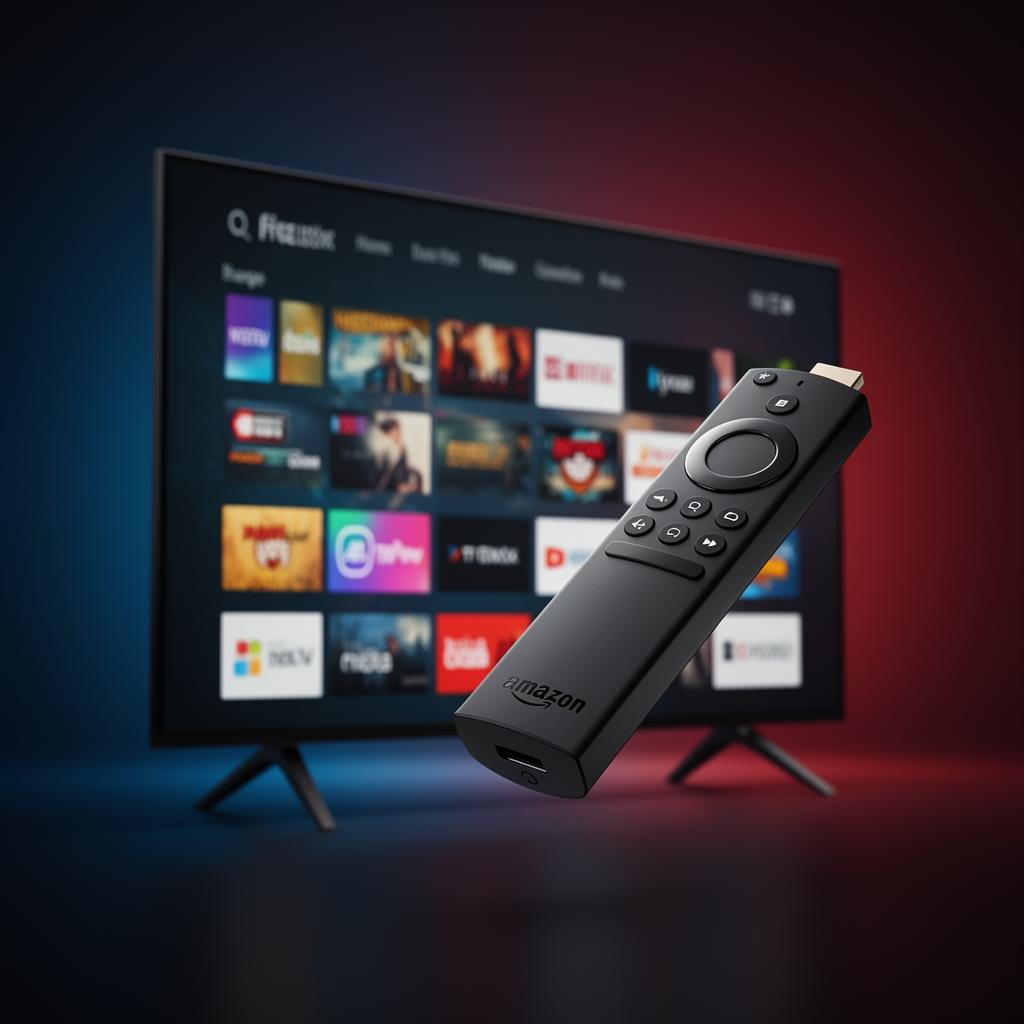
Amazon Firestick / Fire TV

  1. 1From the Firestick home screen, go to Find → Search and type 'Downloader'. Install the Downloader app.
  2. 2Go to Settings → My Fire TV → Developer Options and turn ON 'Apps from Unknown Sources'.
  3. 3Open Downloader, enter the IPTV Smarters or TiviMate APK URL we send you, and install it.
  4. 4Open the app, choose Xtream Codes API, and enter the username, password and server URL from your activation email.
  5. 5Wait 30–60 seconds while the channel list loads. Enjoy 20,000+ channels.

Samsung / LG Smart TV

  1. 1From your Smart TV app store, install 'Smart IPTV' or 'SS IPTV'.
  2. 2Note the MAC address shown in the app.
  3. 3Send the MAC address to us via WhatsApp +1 (438) 230-2570.
  4. 4We upload your personalized playlist within minutes — restart the app and the channels appear automatically.

Android TV Box / Android Phone

  1. 1On Google Play Store, install 'IPTV Smarters Pro' or 'TiviMate'.
  2. 2Open the app and choose 'Add Playlist' → 'Xtream Codes API'.
  3. 3Enter the username, password and server URL we email you.
  4. 4Channels and VOD load automatically. Enjoy.

Apple TV / iPhone / iPad

  1. 1On the App Store, install 'IPTV Smarters Pro' (free).
  2. 2Open the app, accept the terms, choose Xtream Codes API login.
  3. 3Enter the credentials from your activation email.
  4. 4Channel list and EPG load — you're ready to stream.

Nvidia Shield

  1. 1Install 'TiviMate' from Google Play (a 5-star IPTV player for Shield).
  2. 2Open TiviMate, choose 'Add Playlist' → 'Xtream Codes'.
  3. 3Enter your Edge IPTV credentials and tap Next.
  4. 4Customize EPG and theme. Start streaming in 4K.

Roku

  1. 1Roku doesn't allow IPTV apps natively. Use one of these methods:
  2. 2Method A — Screen mirror from a phone/PC running IPTV Smarters via Roku's 'Screen Mirroring' feature.
  3. 3Method B — Use a small Android TV box or Firestick (recommended for best performance).
  4. 4Contact our WhatsApp support if you need help choosing the right method.

MAG Box

  1. 1On the MAG box go to Settings → System Settings → Servers → Portals.
  2. 2Enter the Portal URL we send you in 'Portal 1 URL'.
  3. 3Reboot the MAG box. Channels load automatically.